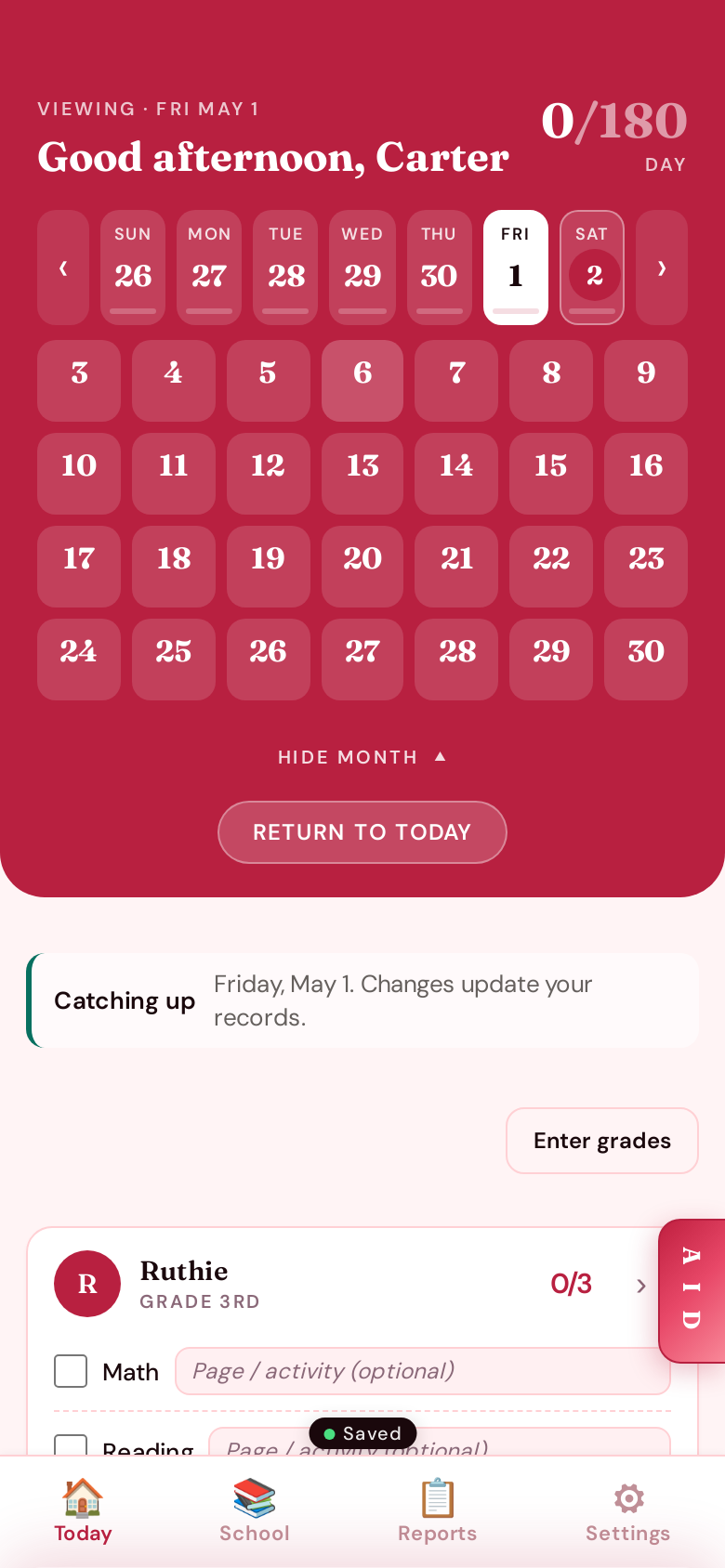
Today, at a glance.
One hero card with a five-week strip and a tap-open monthly calendar — so you can see where the year is going without losing your place. The "Day · Week · Month" toggle lets you zoom out when you need to plan, then snap back to today.
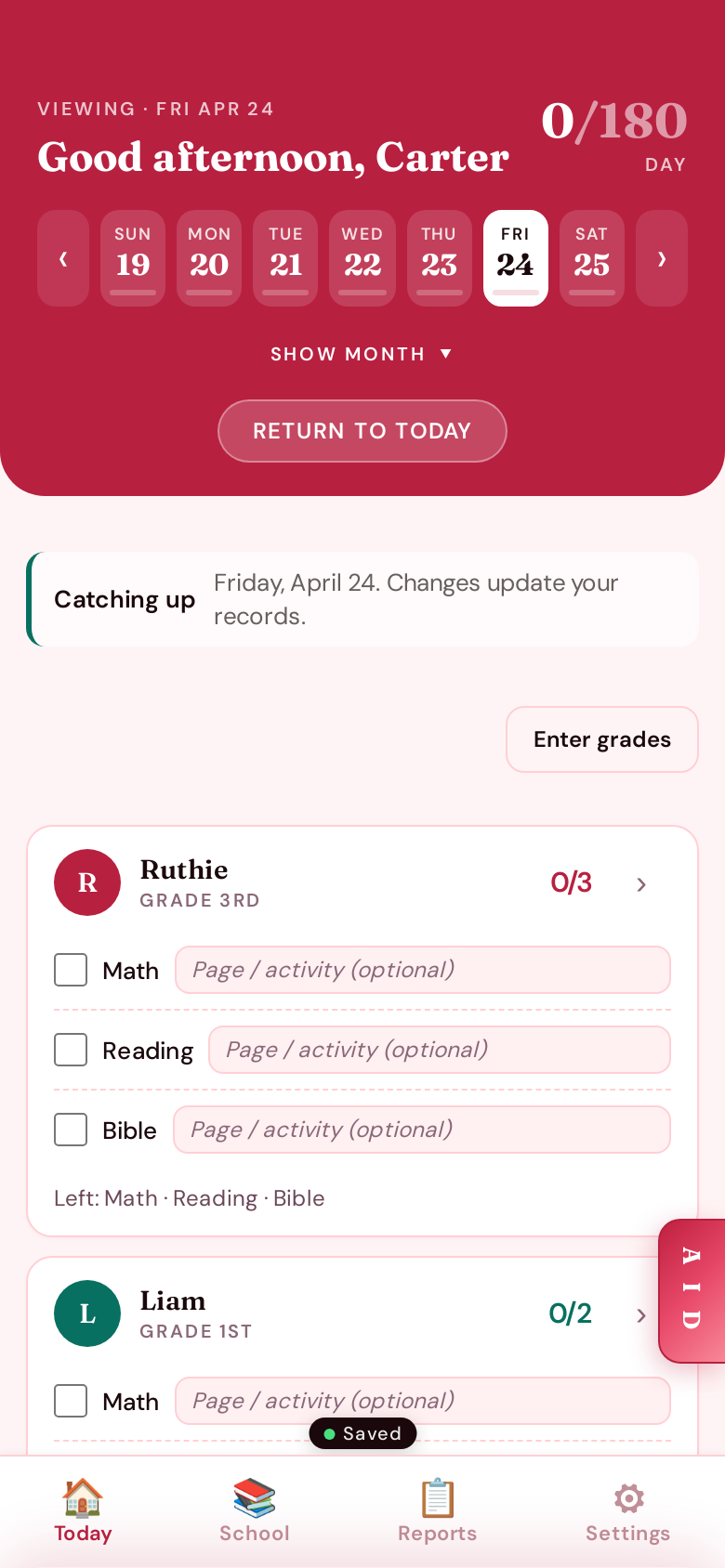
One card per kid. One tap per subject.
Each kid gets a single card with their day's subjects checked off in one tap. Page numbers and activities go right alongside, and tapping a checkbox opens a quick grade dialogue. Nothing else to chase.
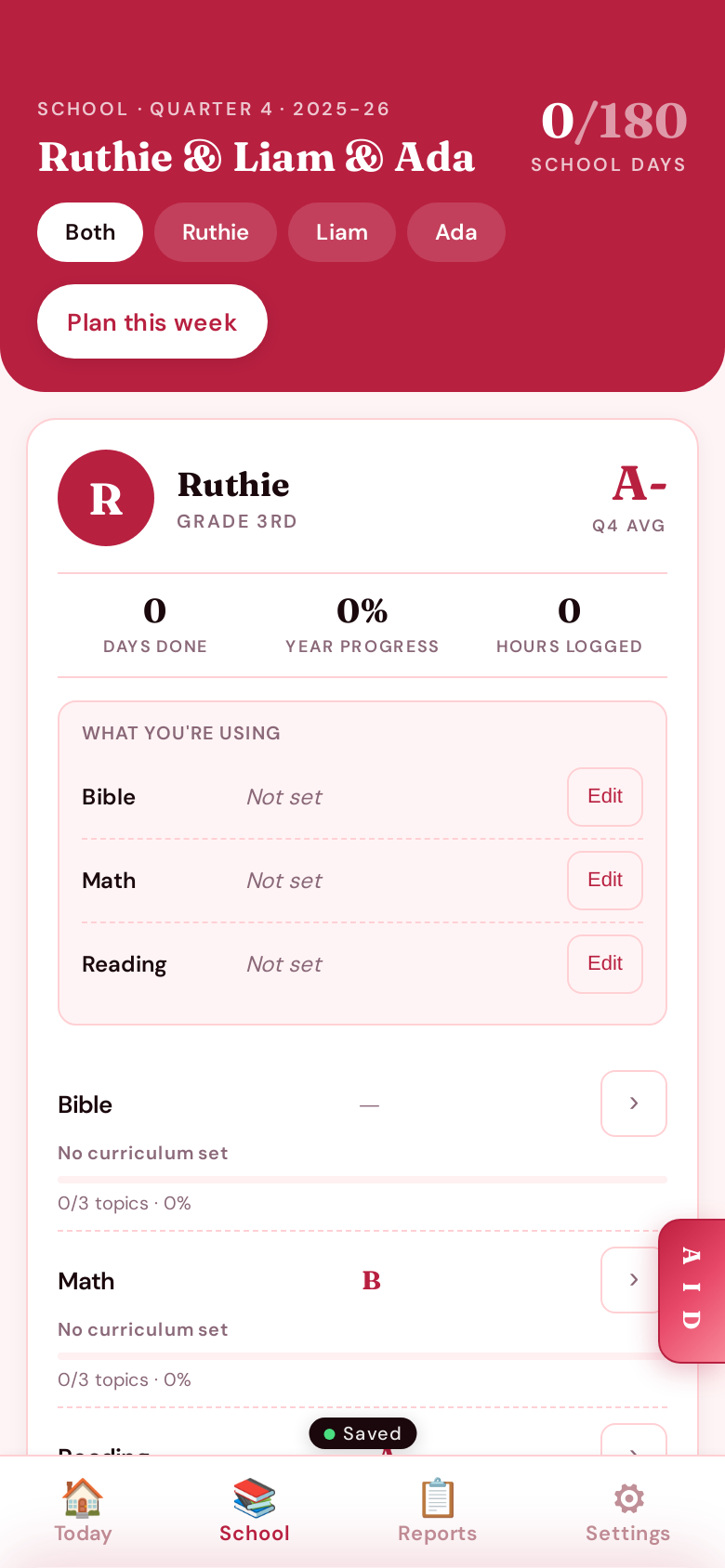
The school year, kid by kid.
The School tab gives each child a card with their quarter average, days done, year progress, and hours logged. Filter by kid or zoom out to the whole family — your scope and sequence live here too.
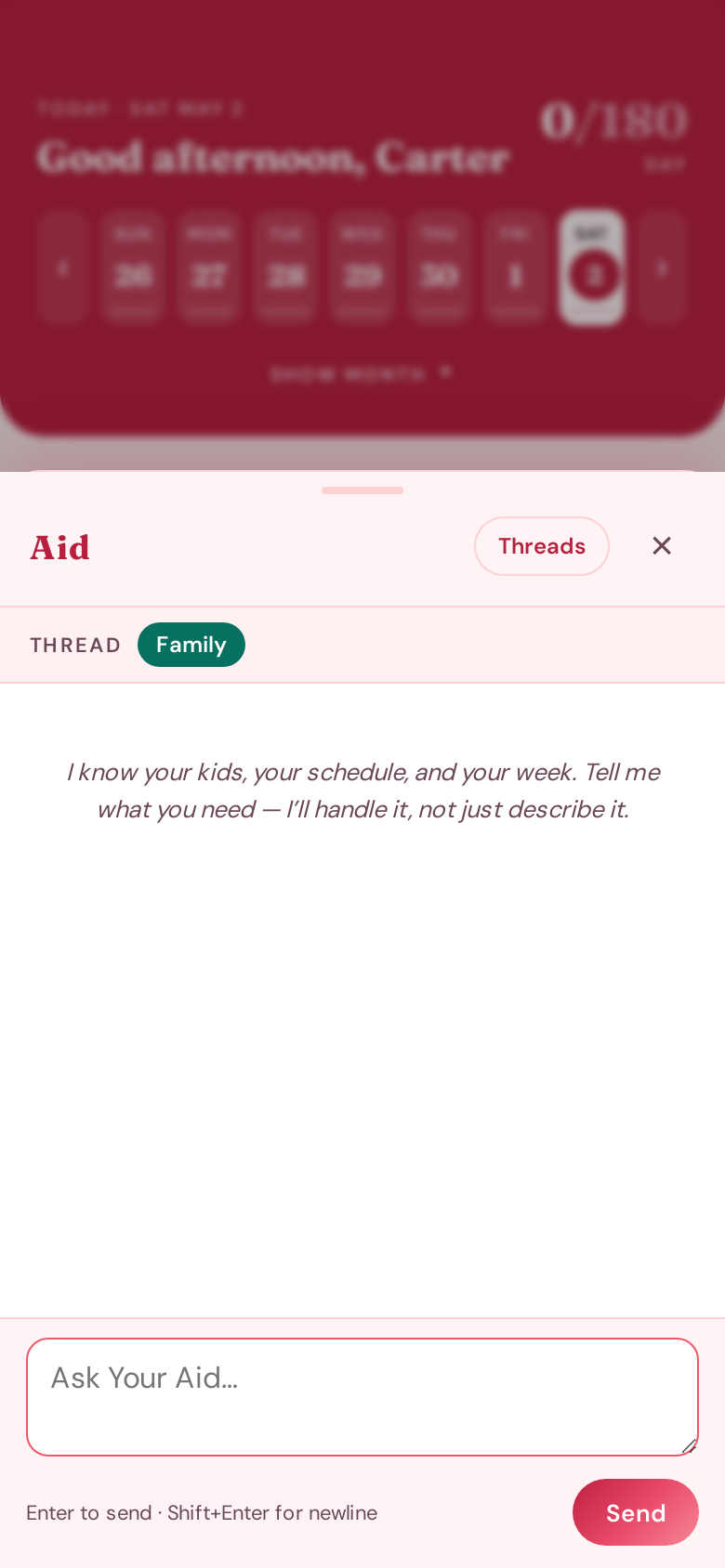
An Aid that actually knows your week.
Slide out the docked Aid panel from any tab. It knows your kids, your schedule, and your scope — so "plan tomorrow," "what's next in Math for Liam?" or "make a snow-day plan" lands as a real answer, not a guess. Threads keep family-wide and per-kid context separate.
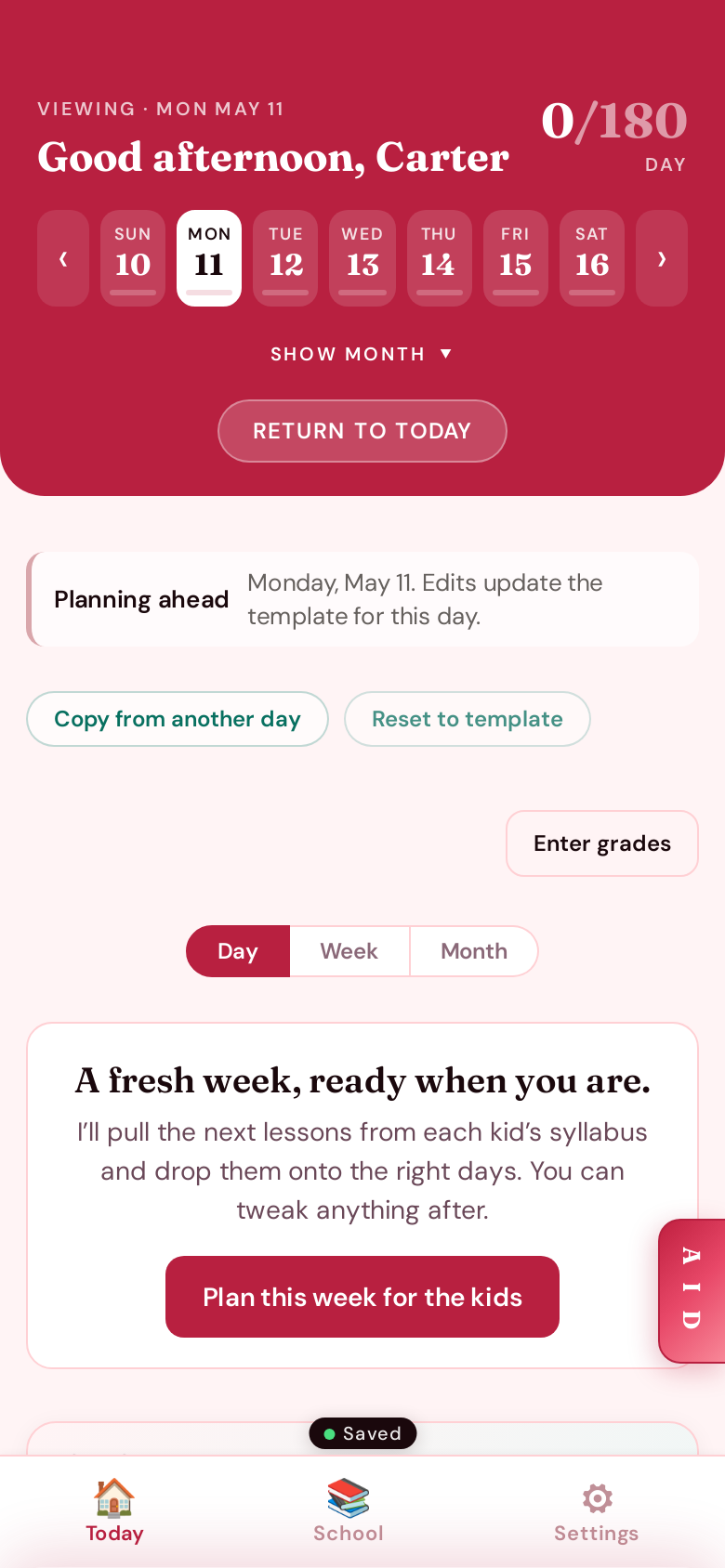
Past, today, future — without the panic.
Tap any date on the strip and the day shifts mode automatically. "Catching up" lets you log a missed Tuesday without rewriting reality; "Planning ahead" turns tomorrow into a draft you can copy from another day, or hand it off to your Aid with a single tap.
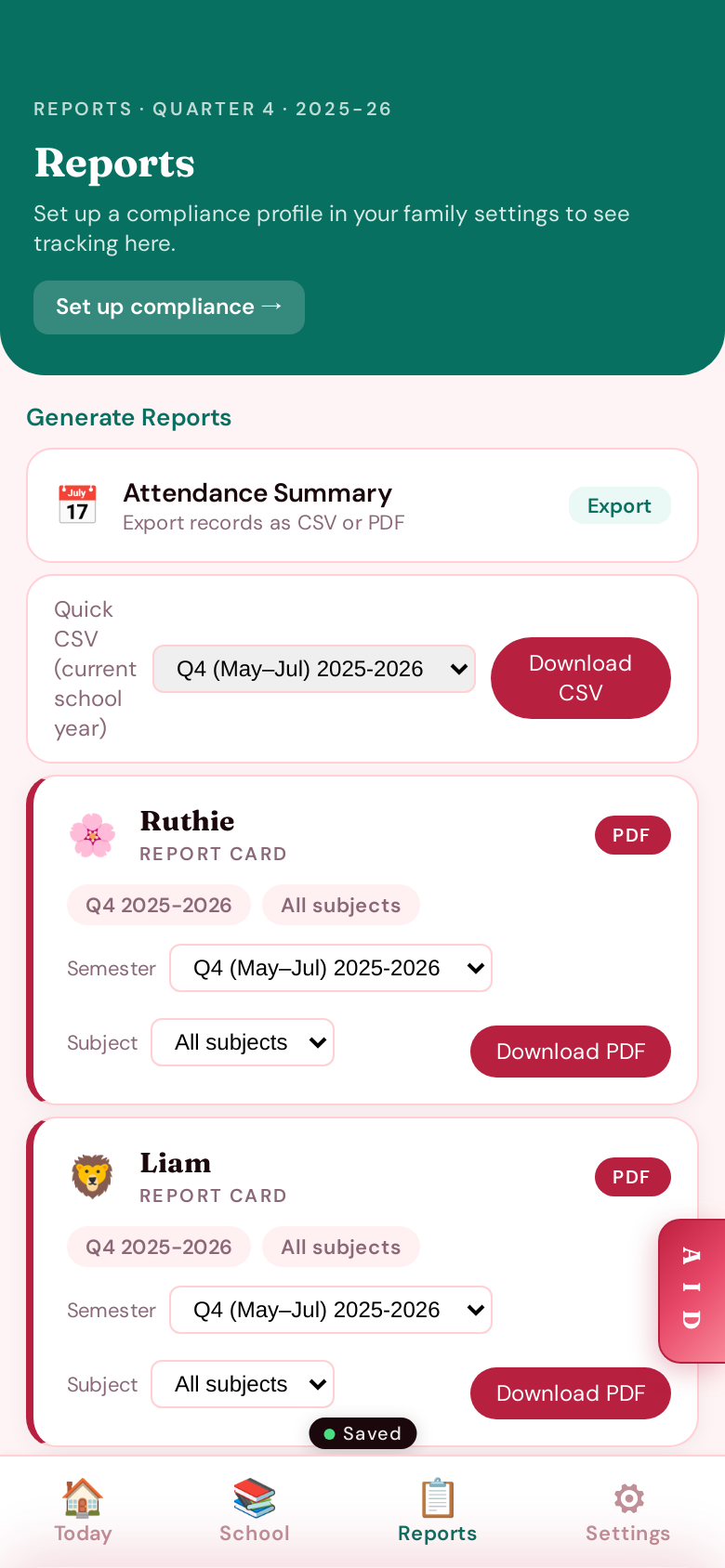
Reports your state will accept.
Per-kid report cards by quarter or semester, an attendance summary, and a one-click compliance CSV — all rendered from the same data you've been logging all year. Set up your state once in Settings and the right form shows up here.
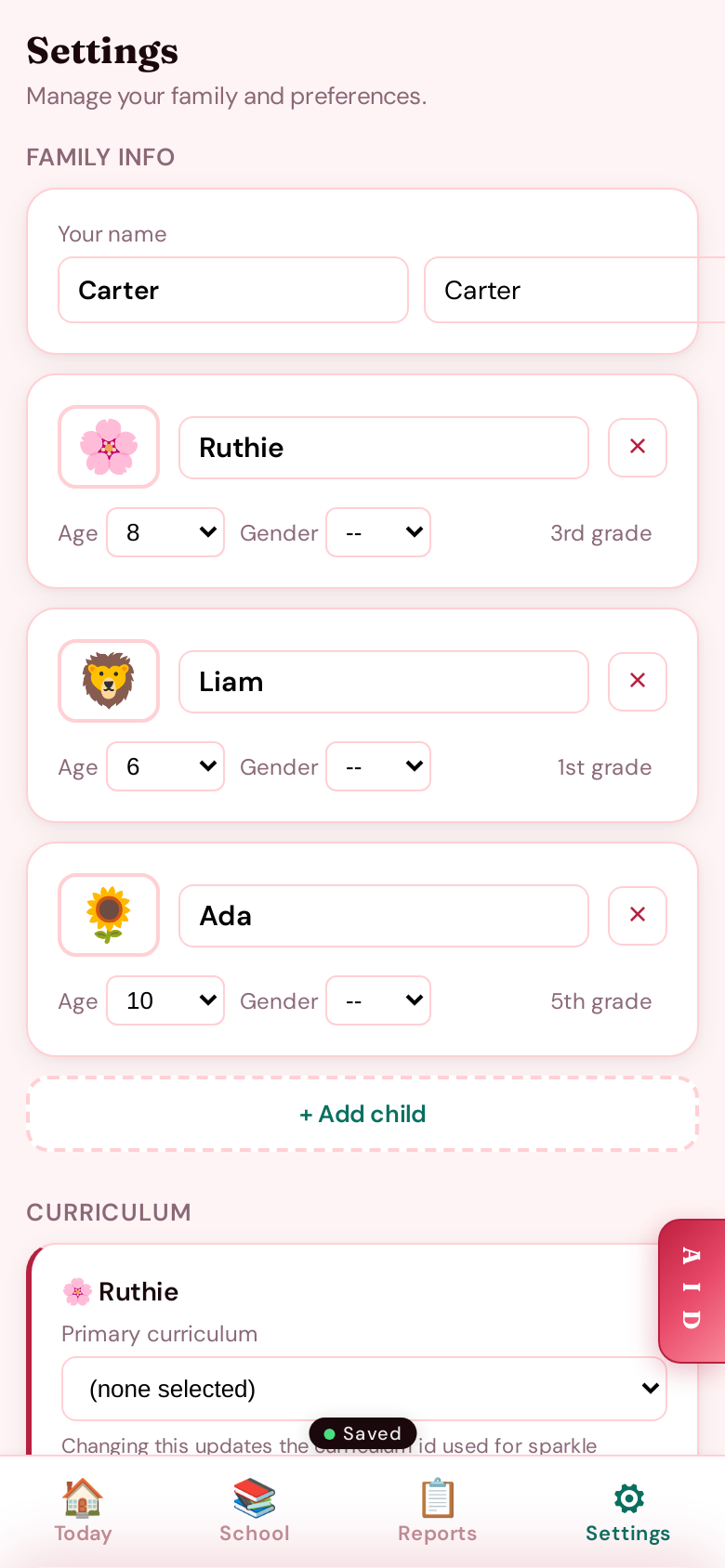
Settings that respect your house.
Add and rename kids, change subject display names ("Bible" → "Devotion"), pick a curriculum, set your school days, configure compliance for your state. Everything saves the moment you tap away — no big "Save" button to forget.